Before attempting any relearn procedure, confirm that the replacement sensor is physically compatible with the vehicle.
Operating Frequency Match:
315 MHz: Commonly used in North American and Asian domestic market vehicles.
433 MHz: Standard for European vehicles and increasingly adopted globally.
Note: Installing a 315 MHz sensor on a 433 MHz receiver system will result in complete signal unresponsiveness.
Sensor Battery & Sleep Mode:
New aftermarket or universal programmable sensors (e.g., Autel MX-Sensor, Launch, Schrader EZ-sensor) are shipped in a deep sleep state to conserve battery.
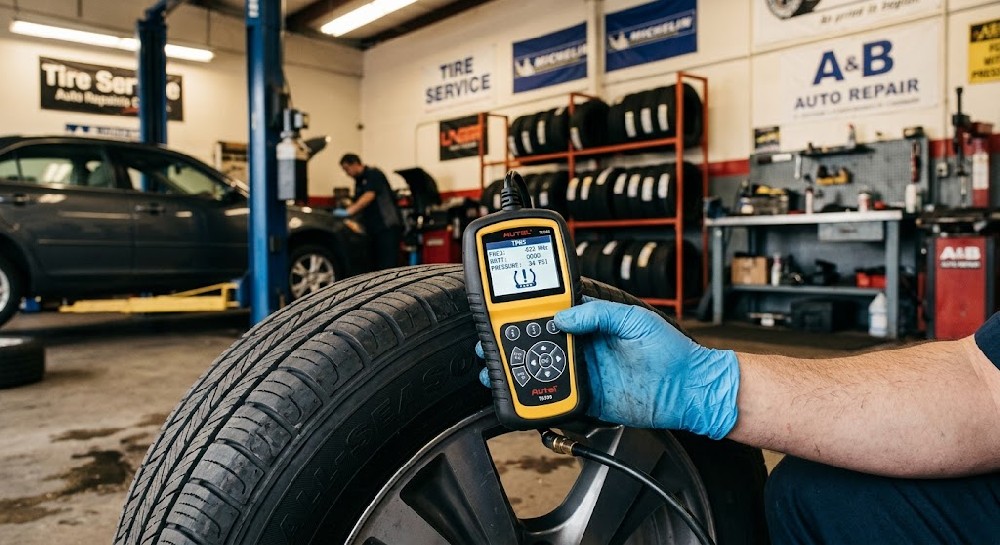
Use a dedicated handheld TPMS tool to send an LF (Low Frequency, 125 kHz) activation signal to "wake up" the sensor and read its Hexadecimal ID, current tire pressure, temperature, and battery state.
Protocol / Application ID Check:
If using a programmable universal sensor, verify that the tool flashed the exact vehicle year, make, and model protocol before installing it into the rim.
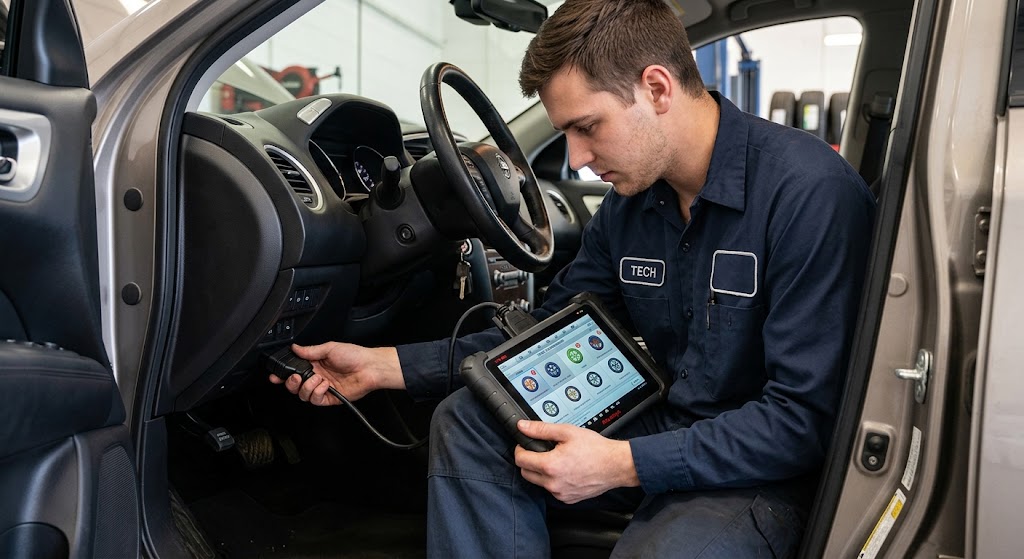
Vehicles utilize one of three primary relearn methods. Choosing the wrong method is the most common cause of pairing failure.
Auto-Relearn:
The vehicle's receiver automatically learns new sensor IDs after driving above a specified speed (e.g., 15–20 mph / 25–30 km/h) for 10–20 minutes continuous.
Stationary / Manual Relearn:
Triggered via a key-cycle/button sequence (e.g., cycling ignition, pressing hazard light button, or navigating instrument cluster settings).
The horn chirps to indicate activation mode. Sensors must be activated sequentially using a handheld trigger tool starting from Left Front (LF) Right Front (RF) Right Rear (RR) Left Rear (LR).
OBD-II Relearn (Mandatory for many Asian & European models):
Connect a diagnostic scanner or TPMS tool directly to the vehicle's OBD-II port.
Read the new sensor IDs with the tool, then write the ID array directly into the BCM / TPMS module memory via the OBD-II bus interface.
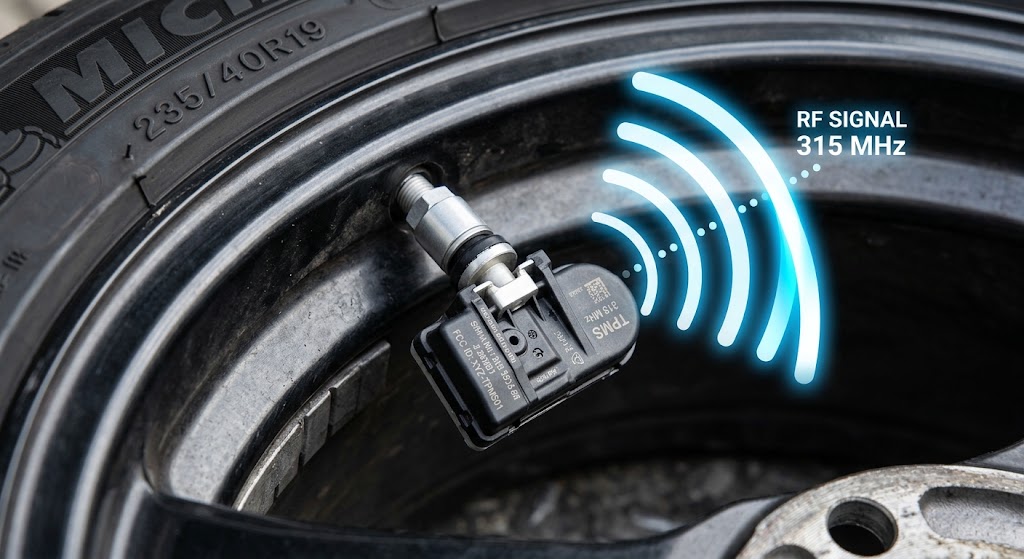
If a sensor activates on the handheld tool but fails to communicate with the vehicle receiver, radio frequency (RF) attenuation or interference is usually present.
RF Interference Sources:
Aftermarket Electronics: High-power USB fast chargers, aftermarket dashcams, LED headlight ballasts, or GPS trackers emit EMI (electromagnetic interference) on or near the 315/433 MHz band. Disconnect all accessory devices prior to testing.
Metallic Window Tints: Metallic or carbon window films can block signals sent to internal RKE/TPMS antenna receivers.
Physical & Mechanical Barriers:
Wrong Inflation Pressure: Many OEM systems will reject pairing if tire pressure is outside the threshold specified on the driver-side door placard.
Valve Stem & Rim Shielding: Heavy multi-piece or forged alloy rims can attenuate weak signals from low-quality or dying sensors.
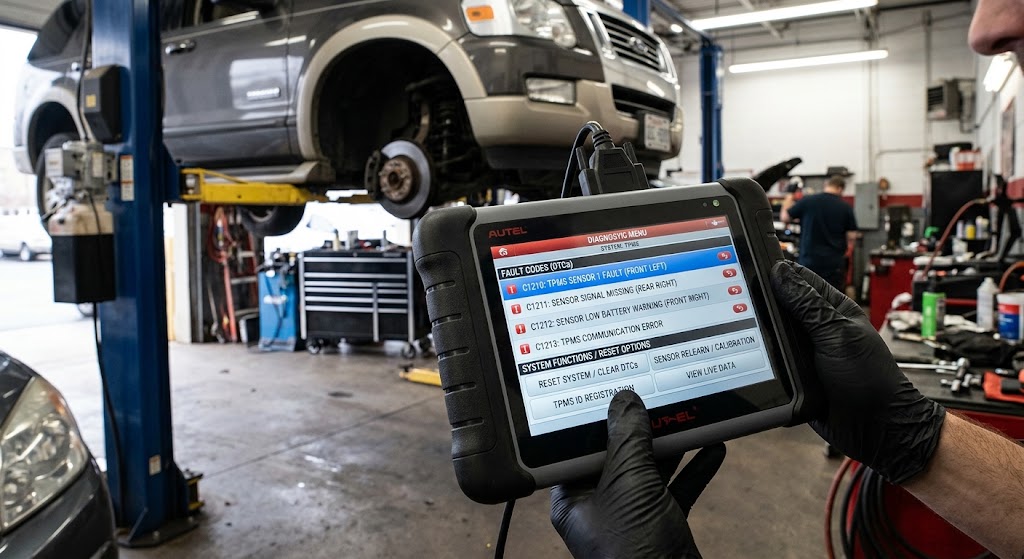
When relearn attempts repeatedly fail, the vehicle ECU may have logged hard Diagnostic Trouble Codes (DTCs) or locked the receiver module.
Read & Clear Diagnostic Trouble Codes (DTCs):
Scan the BCM / TPMS control unit for C-series (Chassis) or B-series (Body) fault codes (e.g., C0750 - Left Front Tire Pressure Sensor Transmitter Circuit, C0769 - Sensor Signal Invalid).
Active fault codes can freeze the learning algorithm. Clear all DTCs before initiating a new relearn cycle.
Hard Power Reset / BCM Re-initialization:
If the TPMS module becomes unresponsive, perform a hard reset by disconnecting the vehicle battery negative cable for 10–15 minutes, or perform a "Module Reset" command through the diagnostic scanner software.
Verify Registered Sensor ID Buffer:
Check live data parameters on the scanner to verify whether the ECU memory slot shows duplicate IDs or invalid zeroed values (00000000 or FFFFFFFF).